Say it. bllp gets it done




blolp is an AI desktop assistant you can talk to. Speak from the notch or drag it to your desktop to draft, summarize, write back, or take approved actions.
An AI helperbeside you.
blolp starts with the app, page, selection, and field in front of you.
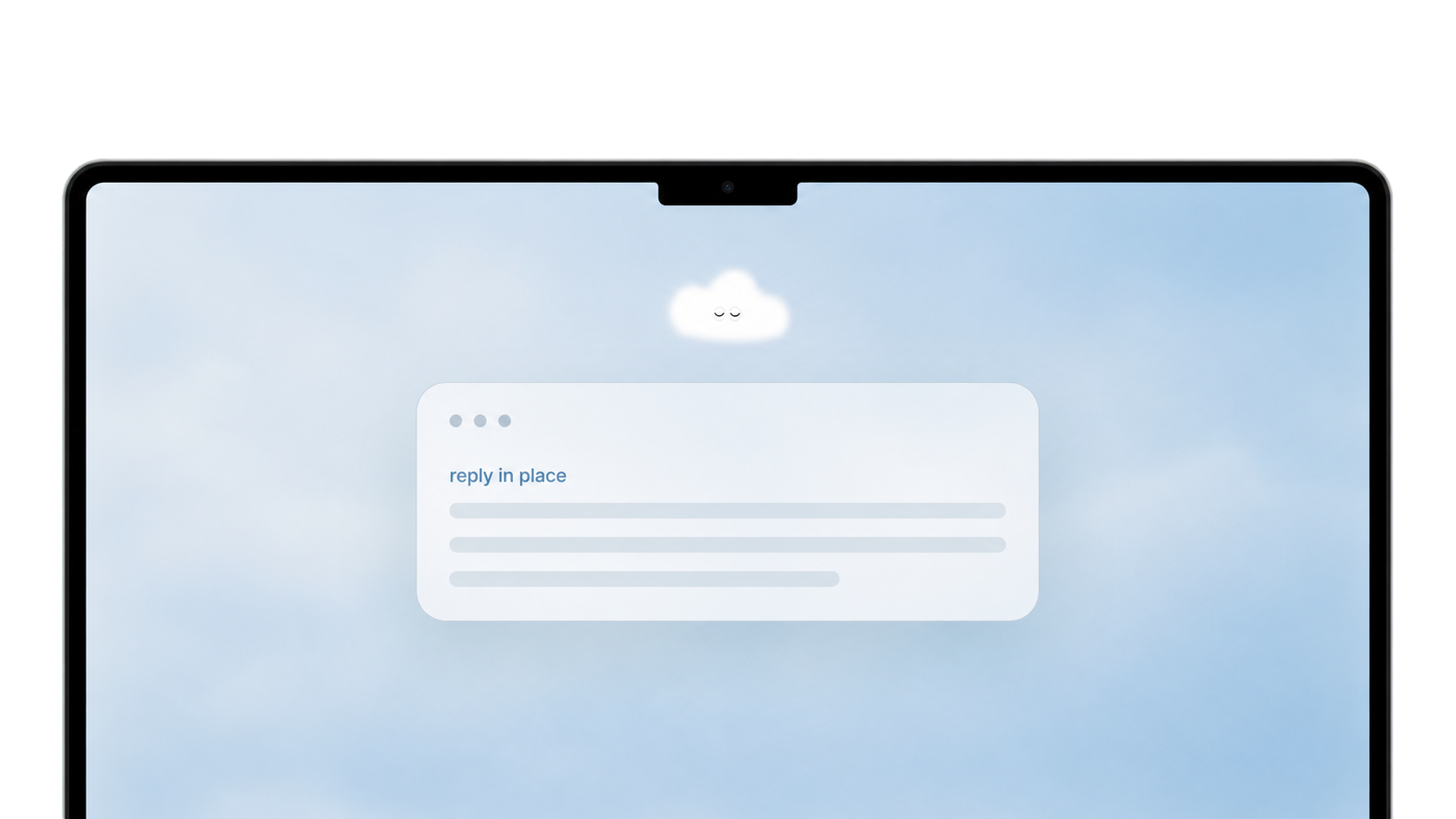

already open
without switching tabs
when you speak
in unfamiliar software
you are already reading
keep moving
across sessions
Ask without opening a chat.

Hold Fn to say what you need done.
blolp uses the microphone for that moment, then turns what you said into a reply, rewrite, or quick answer.
Act from the context already on screen.

blolp uses the open page so you do not have to describe it.
When you ask, blolp can use the current work to suggest actions that make sense there.
Let the task keep moving across apps.

Tell blolp what to do, and it can keep working after you approve.
It can move between apps, gather what it needs, and bring the result back.

Privacy in blolp
you're in control
blolp puts privacy and permissions first. Your voice is never stored on our servers, and most data never leaves your Mac.
What beta users
are saying.
From the first wave of
blolp beta users.
I dictated an entire client update, blolp read my Figma file, pulled the key changes, and sent the email all while I kept designing. That was a first.
The memory feature is what hooked me. I mentioned a deal in passing and three days later blolp referenced it unprompted. It actually pays attention.
I was skeptical about voice on desktop. But holding Fn and saying "remind me about this in 2 hours" while I'm mid-flow is just... magic.
Beta access


Use the Mac action layer while we build it with early users.
Apple Silicon Mac. Early access while the beta is open. Feedback shapes what ships next.
Ask &
Answered
No. blolp starts when you invoke it with a shortcut, tap, or request.
Voice, screen context, app control, and account connectors each need their own permission.
blolp can use the current app, window title, page URL, selected text, focused field, and a screenshot when the task needs it.
That context helps blolp answer from the work already open on your Mac.
blolp supports common Mac work surfaces: email, chat, browsers, docs, notes, code, calendars, PDFs, design files, and task tools.
Covered pages can show action cards for tasks like summarize, explain, rewrite, draft, extract, capture, search, or check.
The cards are shortcuts.
If blolp shows the wrong next move, type or speak what you want in the same panel. Some actions answer in-panel, some replace selected text, and longer tasks can move into the agent flow.
Yes, when you ask it to.
Short tasks can stay in the panel. Longer work can run through a background agent that opens targets, reads allowed context, uses authorized tools, schedules work, or brings the result back.
No. Core voice, screen, reply, and writing flows work without connected accounts.
Account connectors unlock deeper actions, and blolp asks before using a connected account.
blolp can use recent turns, task history, saved context, artifacts, and learned preferences to help follow-up requests.
It does not need to remember your whole desktop to keep useful context.
blolp stores the context needed for history, memory, saved artifacts, and task continuity.
Voice recordings and screenshots are not retained by default.
blolp is built for macOS and currently targets Apple Silicon Macs during beta.
Intel Mac support depends on the download option available for your device.
macOS · Apple Silicon · Free Beta
Start working
with your voice.
Curious if blolp is right for you?
Ask your favorite AI if blolp fits your workflow, where it saves time, and what you should try first.